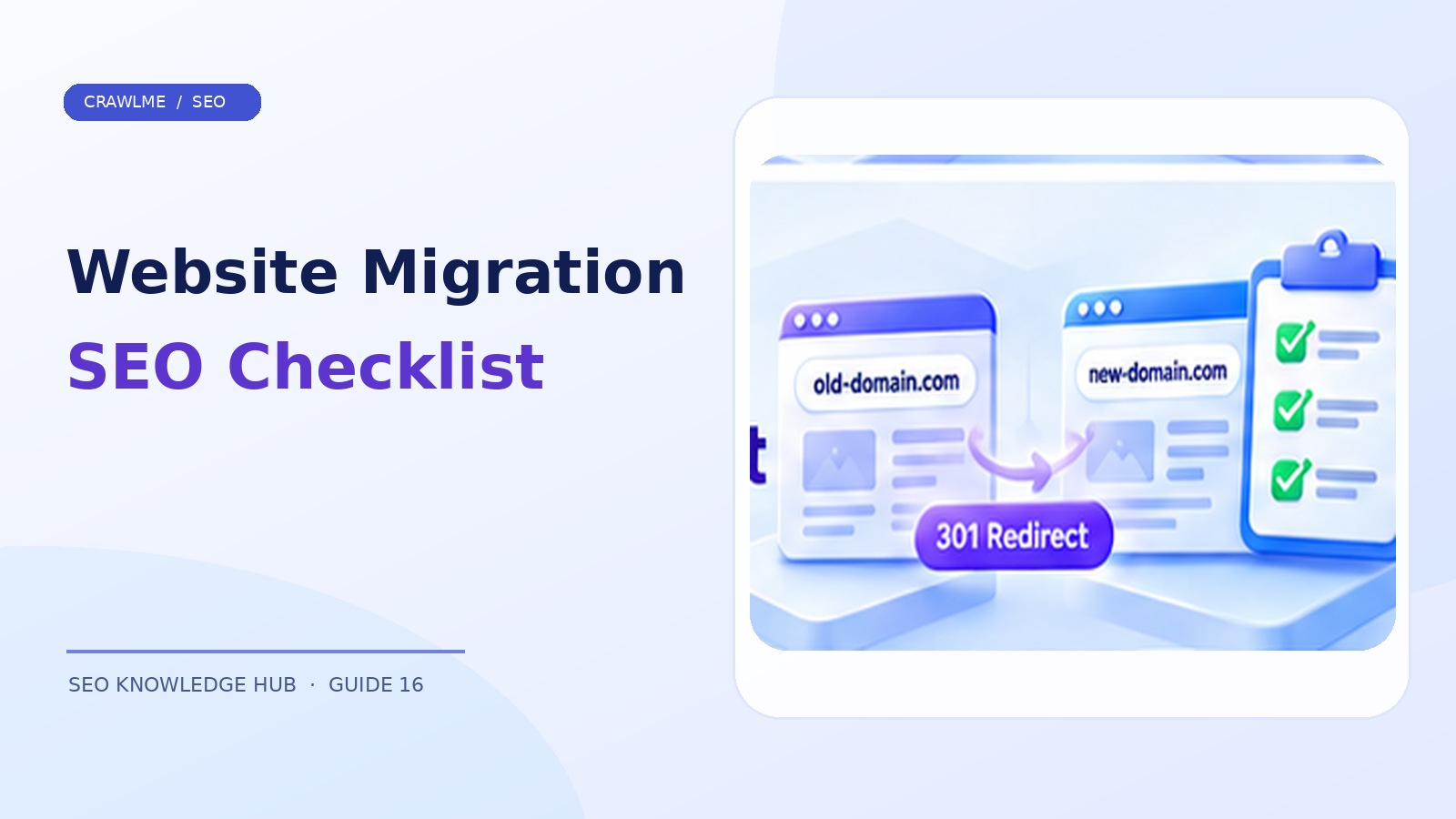
A website migration can be as small as moving a blog into a new folder or as extensive as changing domains, hosting, CMS, templates, and URL structures. Search engines need to rediscover the new addresses, process redirects, and re-evaluate content. You cannot eliminate every fluctuation, but you can prevent many avoidable losses with a deliberate plan.
1. Define the migration scope#
Is it an infrastructure-only move with unchanged URLs, or a move that changes URL addresses? Those scenarios have different indexing implications. Moving from old.example.com/article/ to new.example.com/guides/article/ requires URL-level mapping and permanent redirects. Changing the server while preserving URLs emphasizes uptime, DNS, response parity, and crawl accessibility.
Avoid stacking unnecessary changes. Migrating the domain, replacing all content, switching to a JavaScript-heavy framework, and redesigning navigation simultaneously makes failures hard to diagnose. Where practical, separate major changes into controlled stages.
2. Build a complete URL inventory#
Export old URLs from the CMS, existing XML sitemaps, server logs, backlinks, and analytics. Include valuable pages that might not receive much recent traffic, such as evergreen guides and product documentation. Label each URL as keep, merge, replace, remove, or investigate.
Create a redirect mapping sheet:
| Old URL | New URL | Action | Reason |
|---|---|---|---|
/old-guide/ |
/guides/new-guide/ |
301/308 | Direct replacement |
/category/obsolete/ |
relevant new category | 301/308 | Equivalent category |
/expired-irrelevant/ |
none | 404/410 | No appropriate replacement |
Do not redirect thousands of unrelated old pages to the homepage. Google may interpret irrelevant destinations as soft 404s, and visitors will not find the information they expected.
3. Prepare the new site before launch#
Verify HTTPS, caching, headers, mobile navigation, structured data where applicable, title tags, rendered content, robots directives, and canonicals. Ensure test environments do not leak into production canonical tags. Search Console properties for relevant domains should be verified as early as feasible.
Crawl the staging environment with authentication where appropriate. Compare representative templates against production: homepage, category, product, article, paginated page, downloadable resource, and removed URL. Confirm that the new site returns the right status and that important content has not quietly disappeared.
4. Deploy redirects to the final destination#
Google recommends server-side permanent redirects for permanent URL moves, commonly HTTP 301 or 308. Avoid long redirect chains and loops. A useful test requests an old URL and follows redirects until it reaches a 200-status final page. Verify that the destination is topically equivalent and that internal links point directly to it.
A simple check:
curl -I https://old.example.com/old-guide/
curl -L -I https://old.example.com/old-guide/
HEAD requests are useful for a quick redirect check, but validate suspicious behavior with GET responses because servers can handle methods differently.
5. Update canonical and discovery signals#
Canonical tags on the new site should prefer new URLs; XML sitemaps should list canonical new destinations. Update breadcrumbs, navigation, on-page links, hreflang clusters when relevant, structured-data URLs, and key external profiles you control. For a domain move, follow Google's appropriate site move guidance and available Search Console tools.
An old sitemap may be useful temporarily for monitoring a migration, but do not leave it as the permanent canonical sitemap. The aim is for new URLs to become the preferred discovery inventory.
6. Use a staged launch checklist#
Before cutover, record benchmark metrics: indexed URL count by template, organic sessions and impressions, major queries, 4xx/5xx rates, and Googlebot activity. At launch, run representative old-to-new redirect checks, new-page crawl checks, sitemap fetch tests, and Search Console URL Inspection samples. Save the exact deployment timestamp for later analysis.
For a large migration, a pilot section can expose errors early. For a smaller site, moving all URLs together may be simpler. Choose according to risk, tooling, and rollback capability.
7. Monitor the weeks after launch#
Expect crawling and indexing to evolve over time. Monitor both old and new Search Console properties, traffic, server errors, redirect loops, and canonical mismatches. Segment by page type so you can spot a problem isolated to one template. Keep permanent redirects for as long as possible; Google's guidance recommends at least one year, and indefinite redirects can still be valuable for old inbound links and users.
If rankings drop, avoid automatically reversing the migration without diagnosis. First check whether the affected URLs return healthy responses, have equivalent content, are linked internally, and are selected as canonicals. Temporary fluctuations can occur while Google processes the change.
8. Recovery playbook#
If many URLs return 404 after launch, fix missing mappings and the deploy pipeline. If the new site shows accidental noindex, remove it and verify crawl permission. If duplicate old and new content remains available without redirects, implement appropriate permanent redirects and consistent canonicals. If a CDN blocks crawler traffic, review verified crawler requests and security rules rather than disabling all protections.
Example: a domain migration with category restructuring#
A store changes from oldstore.example/electronics/phones/model-a/ to newstore.example/phones/model-a/. The migration spreadsheet must map every valuable product and category to an equivalent destination. The team tests a random sample of mapping rows before launch, then runs the same tests after DNS cutover. They also check canonical tags, XML sitemap entries, and internal navigation on the new host.
If an old category has no corresponding destination, the team should decide whether a thematically similar replacement exists. Redirecting to an unrelated homepage is not a safe default. Important external links can continue pointing to old addresses for some time, which is another reason to maintain useful redirects.
Build an incident response dashboard#
Separate reports for redirect errors, 404 spikes, 5xx responses, Google-selected canonical mismatches, sitemap processing failures, and traffic changes by directory. If all pages in /guides/ perform poorly but products recover normally, investigate that template or mapping family before changing sitewide settings. Document which team owns redirects, CDN configuration, CMS routing, and Search Console access.
Define clear exit criteria#
A migration is not finished merely because the new homepage is online. Exit criteria might include zero known critical redirect loops, all priority URLs resolving to relevant content, no accidental sitewide noindex, updated XML sitemaps, acceptable server performance, and stable monitoring. Search traffic may still take longer to settle, so continue observing without treating an arbitrary number of days as a guaranteed recovery period.
Where CrawlMe fits#
For a large migration, CrawlMe can help organize and submit newly published URL batches as a supporting operational step. It does not replace 301/308 redirects, Search Console migration monitoring, or Google's processing of changed addresses.
Migration launch checklist#
- Every important old URL has a documented outcome.
- Permanent redirects lead to relevant new destinations.
- New pages are crawlable and correctly canonicalized.
- Sitemaps and internal links use new URLs.
- Both domains or properties are monitored where applicable.
- Post-launch tests and rollback procedures are assigned.
Frequently asked questions#
Should I redirect every old URL to the homepage?#
No. Redirect only to a relevant equivalent; otherwise use the correct removal status.
How long should redirects stay active?#
Google recommends generally at least one year, and keeping useful redirects indefinitely can help users and links.
Will a migration temporarily affect rankings?#
It can. Processing changed URLs takes time; monitor technical health and performance instead of expecting an instant transfer.