An ecommerce store can create far more URLs than it has unique products. Colors, sizes, stock states, categories, search filters, tracking parameters, and localized views all affect which URLs Google sees. Improving indexing therefore starts with a product URL policy, not with submitting every possible address.
1. Build a product and category URL model#
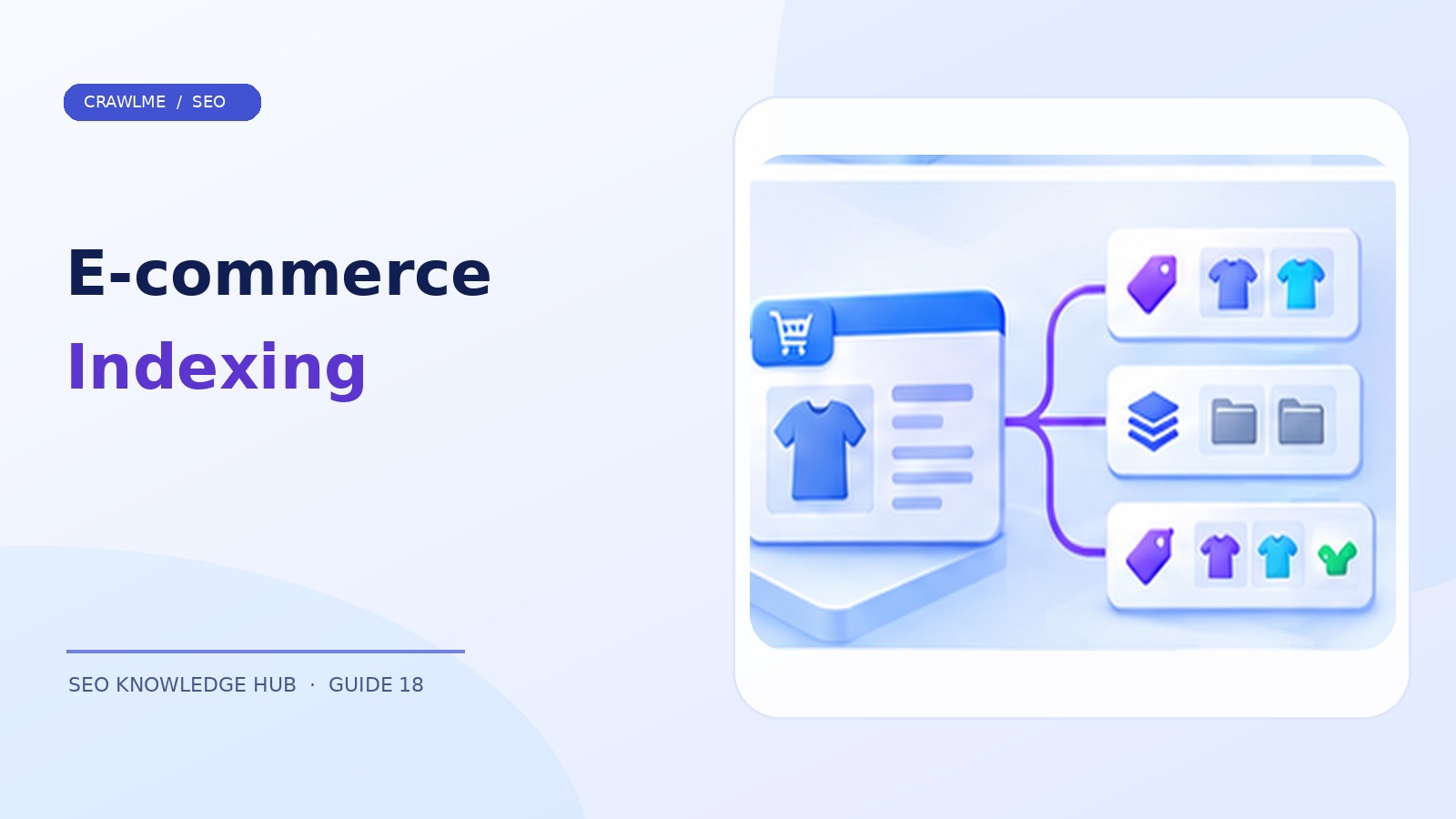
Start by defining one stable URL for each intended product or category landing page. Ask whether visitors need separate search results for a variant. If different colors have materially different pictures, stock, descriptions, and user demand, separate URLs may be useful. If a size selector simply changes a selection on the same product page, one canonical product URL may be the cleaner approach.
Document how your platform handles parent products, variant IDs, and URL changes when inventory changes. Inconsistent rules cause classic problems: a product URL points canonically to a parent that no longer carries the variant; a category uses a parameter URL as canonical; or several pages share an identical generic description.
2. Treat product variants deliberately#
Google's ecommerce guidance distinguishes approaches where variants share one product page and where each variant has its own URL. Whichever you choose, keep canonical, structured data, visible content, and link behavior aligned with that model. Do not add variant URLs to sitemaps simply because the CMS creates them automatically.
For example, /shoes/model-x/ may contain a color selector and multiple stock options. Alternatively, /shoes/model-x/blue/ may have its own imagery and product details. Audit whether Google sees the specific version users see, and whether variant links are crawlable if each variant should be discoverable.
3. Make category pages more than product grids#
Category pages can be useful SEO entry points when they have clear intent, descriptive headings, sensible navigation, relevant products, and informative copy. A blank category containing two unrelated products may not be worth indexing. Conversely, a carefully curated “ergonomic office chairs” category can answer an important shopping need.
Prioritize stable category architecture and links from navigation. Avoid creating a category for every trivial attribute combination. Faceted filters are valuable for shoppers, but unchecked combinations can create crawl traps and duplicate content.
4. Handle out-of-stock and discontinued products#
An item that is temporarily out of stock may still be valuable to users and search engines. Keep a useful product page when appropriate, update the availability shown on the page and product markup, and offer realistic alternatives. Don't automatically redirect it to the homepage.
For a permanently discontinued product, decide whether the page has ongoing information value or a close successor. If it has a relevant replacement, a permanent redirect may be reasonable. If it is completely gone and no equivalent exists, return an accurate 404 or 410 and remove it from the sitemap. The decision should not depend only on a zero inventory count.
5. Audit product page quality and rendering#
Indexable pages should present meaningful information beyond a product ID and a generic title. Include accurate specifications, useful images, clear price/availability where applicable, shipping or returns details where relevant, and helpful descriptions. For JavaScript-driven stores, verify that Google's rendered HTML actually includes the main product data.
Check server status codes and canonical targets. Some ecommerce frameworks return 200 OK for deleted SKUs while rendering an empty application shell, leading to soft 404 problems. Others create temporary preview URLs that accidentally become crawlable.
6. Use structured data accurately#
Appropriate product structured data can help Google understand information such as product details and offers, but rich-result eligibility has separate rules and is not an indexing guarantee. Follow Google's current Product structured data documentation and validate markup against visible page content. Do not fabricate ratings, availability, or price fields.
When several variants have different offers, ensure the markup corresponds to the page's actual displayed state. Product schema should not contradict your canonical and page content strategy.
7. Keep sitemaps, feeds, and internal navigation synchronized#
Your XML sitemap should list canonical indexable URLs, not every cart state, sort parameter, or sold-out variant automatically generated by the platform. Your product feed and sitemap serve different purposes; do not assume that a Merchant Center listing proves the canonical page is indexed for general Google Search.
If your catalogue is imported automatically, use a publish transaction or queue to ensure the public URL exists before it enters the sitemap or a submission batch. When pages are updated, set accurate modification dates and refresh category internal links as needed.
8. A monthly ecommerce indexing audit#
Segment by template: product, category, brand, editorial guide, and filter state. Count intended canonical URLs, sitemap entries, indexable 200 pages, and Search Console indexing outcomes. Sample high-value products that have stock and traffic but remain excluded. Investigate canonical mismatches, soft 404s, duplicate templates, and missing navigation.
If a product family has a sudden exclusion spike, compare changes to code deployment, inventory feed imports, CDN rules, and template metadata before blaming crawl rate. A single template bug can affect thousands of SKUs at once.
Example: choosing a variant URL strategy#
A clothing retailer sells a jacket in three colors and five sizes. If each size uses an identical page apart from a selector, indexing every size combination may add little value. The store can use a stable parent product URL and allow selection within that page. But if colors have separately searched names, distinct photographs, or materially different inventory, the store may prefer dedicated color landing URLs with consistent variant metadata. The key is to plan one coherent model rather than letting the application create uncontrolled variations.
Test each intended indexable version for accurate name, images, canonical, availability, and link accessibility. Do not assume that adding a variant URL to a sitemap makes it an independent canonical.
Example: catalogue automation at publication time#
A nightly feed imports 400 new products, but 30 lack images and 12 do not yet have approved descriptions. A well-designed publishing workflow can keep incomplete records out of the public sitemap and URL submission queue until the pages are ready. After validation, it publishes the canonical product URL and updates relevant category links. This is better than submitting unfinished product placeholders and correcting them later.
Segment the audit by business value#
Not every excluded URL is a loss. Non-indexed cart URLs, duplicate variants, and temporary sorting states may be expected. Prioritize product and category URLs that are public, stocked, valuable to customers, and missing from search. A practical report can compare expected indexable products, XML sitemap products, valid page responses, and Google Search Console findings. Review the gaps by template and import date to identify systemic defects.
Where CrawlMe fits#
CrawlMe can support repeatable bulk URL submission workflows for newly published products and categories, provided URLs are public, canonical, and technically sound. Use your catalogue's eligibility rules to prepare submissions; indexing remains Google's decision.
Ecommerce indexing checklist#
- Each product family has a clear canonical strategy.
- Variants are indexable only when intentionally useful.
- Category pages provide valuable browsing context.
- Discontinued pages return accurate status or relevant redirects.
- Product markup matches visible information.
- Sitemaps and submission lists exclude duplicate utility URLs.
Frequently asked questions#
Should every product variant have its own URL?#
Not always. Choose based on unique content, user needs, and a consistent canonical strategy.
Should I delete pages when products are out of stock?#
Not automatically. Temporarily unavailable products may still provide value and should show accurate stock information.
Does Product structured data guarantee indexing?#
No. It helps communicate product details and may support eligible search features, but indexing is a separate decision.