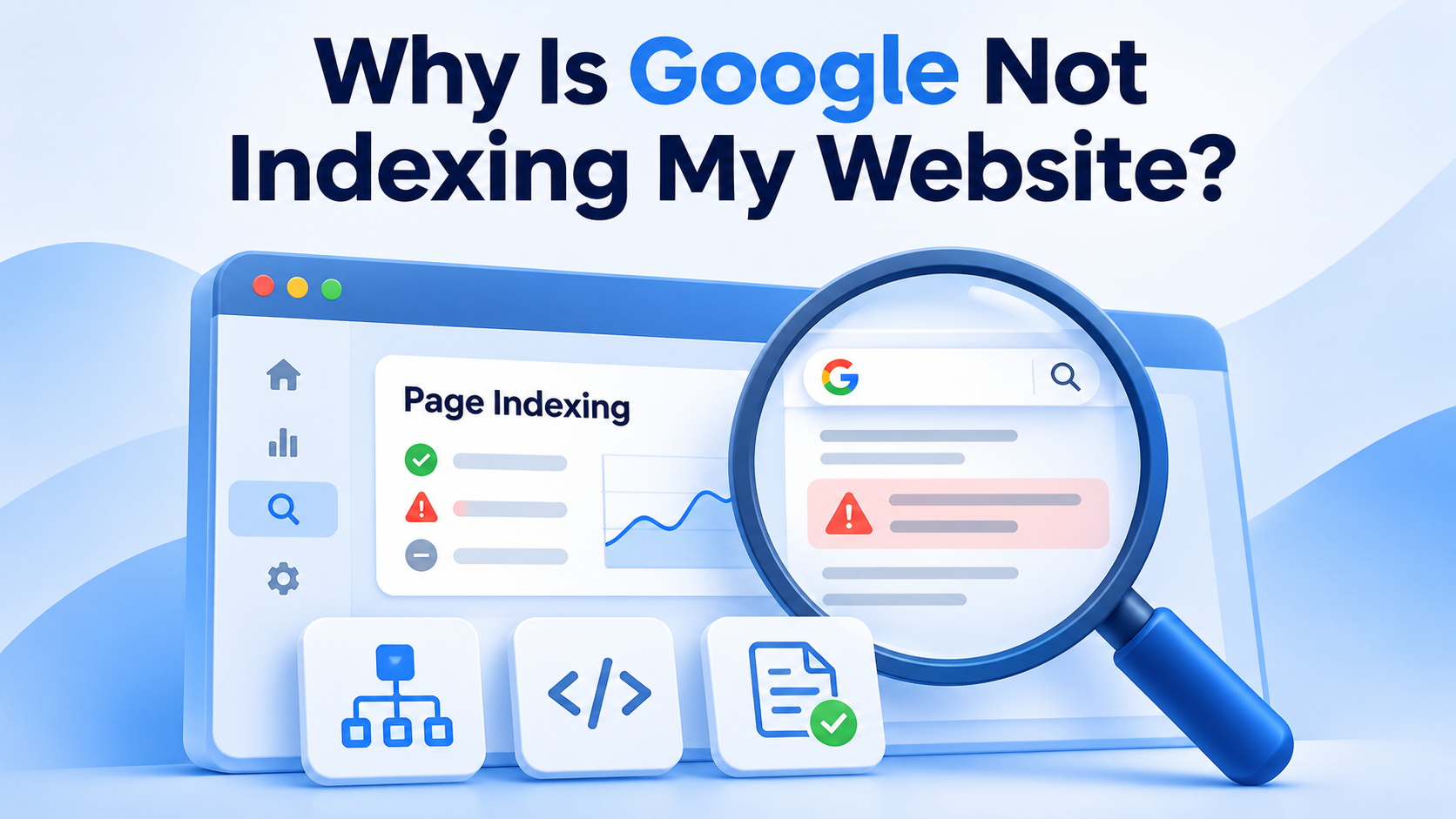
You published your website, checked that it loads correctly, and perhaps even submitted a sitemap. Yet important pages still aren't appearing in Google. Is something broken?
Possibly—but not indexed doesn't always mean error. Google discovers URLs, crawls their content, decides which versions belong in its index, and then selects results to show for individual searches. A page can be technically accessible without being selected for indexing. Google explicitly says indexing is not guaranteed, even when a page meets its technical requirements.
The fastest route to a solution is finding out which stage is failing, rather than repeatedly submitting the same URL. This guide explains how to diagnose that failure and resolve 15 common causes without chasing indexing myths.
First, check whether the page is actually indexed#
A site:example.com/page search can provide a quick clue, but it isn't a complete index audit. For a website you own, Google Search Console's URL Inspection tool is more reliable for diagnosing a specific URL.
- Open Google Search Console, select the correct property, and paste the exact canonical-looking URL into the inspection bar.
- Read the Page indexing status. Note the last crawl, crawl allowance, indexing allowance, user-declared canonical, and Google-selected canonical, where available.
- Click Test live URL if you suspect that current content differs from Google's last recorded crawl. A successful live test means Google can access the page now; it does not mean the page has been indexed.
- Open Indexing → Pages to determine whether the problem affects one URL, a template, a directory, or the entire site.
- For larger sites, compare important URLs against your own indexable URL inventory; don't treat every excluded parameter, redirect, or duplicate as a problem.
Understand the status before fixing anything#
| Search Console status | What it tells you | First investigation |
|---|---|---|
| Discovered – currently not indexed | Google knows the URL but hasn't crawled it yet | Crawl capacity, prioritization, internal links |
| Crawled – currently not indexed | Google crawled the URL but hasn't indexed it | Content usefulness, duplication, rendered output |
| Excluded by ‘noindex’ tag | Google detected a noindex instruction | Intentional or accidental indexing rule |
| Blocked by robots.txt | Crawling is disallowed | Robots rules and whether the block is intentional |
| Duplicate; Google chose different canonical | Google prefers another version | Canonical consistency and actual duplicates |
| Not found (404) | URL returns a missing-page status | Removed page, broken link, or changed URL |
| Server error (5xx) | Google encountered a server failure | Hosting, application, and infrastructure logs |
Don't aim for a magical 100% indexed figure. A healthy site intentionally excludes many duplicate, redirected, private, filtered, or low-value URLs.
1. Your website or page is too new#
A new website may have no established crawl history, few references from other sites, and little internal linking. Google has to discover its pages and decide when to crawl them. Even after a successful crawl, indexing takes additional processing.
What to do: Publish a navigable homepage, link visibly to important pages, provide a clean XML sitemap, and verify the site in Search Console. Inspect one or two important URLs rather than repeatedly submitting your entire inventory. Allow time for processing; there is no fixed or guaranteed indexing deadline.
2. Google hasn't discovered the URL#
An orphan page has no crawlable internal links pointing to it. It may exist in your CMS but be effectively invisible to a crawler navigating the site. Pages reachable only through an internal search form, an inaccessible menu, or a JavaScript event can have similar discovery problems.
What to do: Add ordinary HTML links from relevant indexed pages, include the destination in useful category or navigation pages, and list canonical URLs in your XML sitemap. For example:
<a href="https://example.com/guides/technical-seo/">
  Read our technical SEO guide
</a>
Check the rendered HTML and actual link destination. A sitemap helps discovery but does not replace a usable internal linking structure.
3. Robots.txt blocks Googlebot#
A robots.txt file controls which URLs compliant crawlers may request. An overly broad rule introduced during development can accidentally block important public sections.
User-agent: *
Disallow: /
That example blocks crawling of the entire website. Open https://example.com/robots.txt and check applicable rules in Google's inspection tools. Remove accidental blocks carefully, especially if you rely on rules to limit unnecessary crawling elsewhere. Robots.txt isn't a dependable way to remove a URL from Google's search index; a blocked URL can sometimes be known through external links.
4. A noindex directive is present#
An HTML tag or HTTP header can explicitly tell Google not to index an accessible page:
<meta name="robots" content="noindex">
Or the server can respond with:
X-Robots-Tag: noindex
Check the source HTML, the rendered page, and response headers. CMS SEO settings, staging configurations, and sitewide templates can introduce these directives accidentally. Remove noindex only from pages you genuinely want indexed. Google must be allowed to crawl a page to see its noindex directive; blocking the page in robots.txt can prevent that.
5. The URL doesn't return a usable HTTP 200 response#
An indexable page typically needs to return HTTP 200 OK with meaningful content. Pages returning 404, 403, 500, or a redirect aren't normal index candidates at that exact URL. A login screen masquerading as a 200 response is not a solution either.
Run:
curl -I https://example.com/important-page/
Check the final destination when redirects are involved. Note that curl -I sends a HEAD request; some applications handle HEAD differently, so verify with a normal GET and URL Inspection when results look suspicious. Fix application errors, authorization rules, and redirect chains before sending the URL for another crawl.
6. Canonical tags point somewhere else#
Canonicalization helps Google consolidate duplicate or near-duplicate URLs. But a template error can cause every product or article to point to the homepage as its preferred canonical.
<link rel="canonical" href="https://example.com/important-page/">
Inspect both the user-declared canonical and Google-selected canonical. A canonical tag is a signal, not an absolute command. Make your internal links, sitemap URLs, redirects, and canonical annotations consistent. If two URLs genuinely contain the same material, indexing only one may be correct.
7. The page doesn't offer enough distinct value#
A short page isn't automatically bad, and a long page isn't automatically useful. But a page consisting of generic sentences, reused supplier text, empty category descriptions, or content that barely answers its promised question may provide little reason for Google to index it separately.
Before adding words, ask: What job does this page perform that another page on my website doesn't? Add firsthand details, accurate specifications, examples, original analysis, clear answers, or genuinely useful tools. If multiple pages serve exactly the same intent, consider consolidating them rather than expanding every one.
8. Many pages are substantially duplicated#
Large websites often generate duplicates through sorting options, tracking parameters, print views, category paths, and CMS variants. For example:
/shoes/running//shoes/running/?sort=popular/shoes/running/?utm_source=newsletter
These may show almost identical content. Audit which version should be canonical, update links to point to that version, and avoid putting unnecessary variants in sitemaps. For faceted navigation at scale, plan which combinations deserve standalone indexable pages rather than creating an effectively infinite URL space.
9. Important content isn't available in rendered HTML#
Google can process JavaScript, but rendering adds complexity. Critical content hidden behind a user click, unavailable API, blocked resource, or script error may not be visible to Google in the form visitors see.
Use URL Inspection's live test and page rendering information. Compare the page's rendered text and links with the version shown in a browser. Where feasible, deliver essential headings, body text, links, and metadata in initial HTML or reliably rendered output. Check mobile rendering in particular.
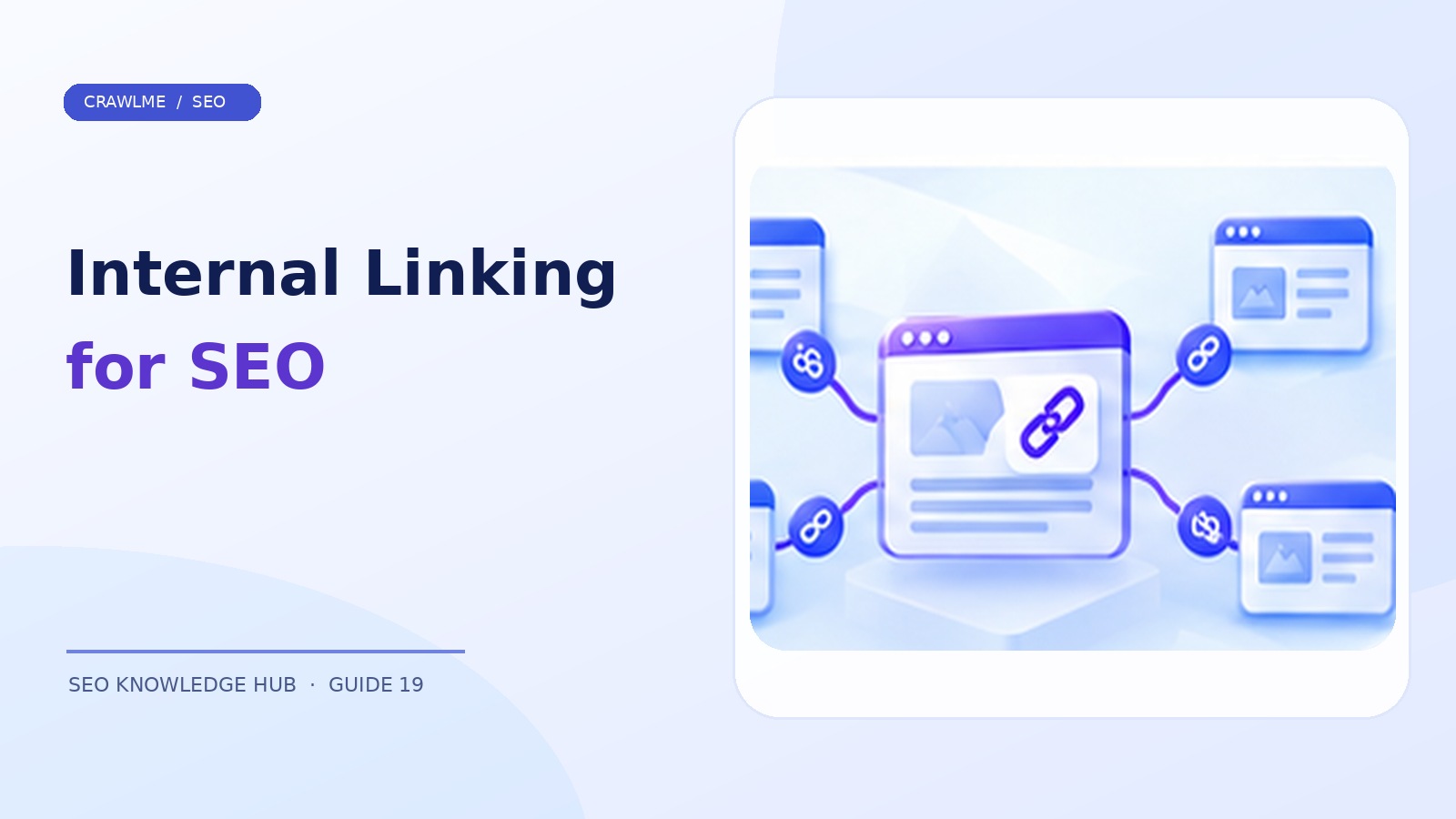
10. Internal linking is weak or misleading#
If important pages sit six clicks deep, are linked only from paginated archives, or have no contextual links from related content, crawlers may discover and revisit them less efficiently. This is not a fixed Google click-depth rule; it is a practical discoverability concern.
Add relevant links from category hubs, evergreen articles, and navigation. Use descriptive anchor text that explains the destination. Avoid sitewide blocks of hundreds of unrelated links built solely for crawlers.
11. The XML sitemap is incomplete or inaccurate#
A sitemap should describe the canonical, indexable URLs you actually care about. Common errors include listing redirected URLs, noindex pages, deleted products, staging URLs, and noncanonical parameter variants.
For example:
<?xml version="1.0" encoding="UTF-8"?>
<urlset xmlns="http://www.sitemaps.org/schemas/sitemap/0.9">
  <url>
    <loc>https://example.com/guides/technical-seo/</loc>
    <lastmod>2026-11-08</lastmod>
  </url>
</urlset>
Use <lastmod> only when the content has meaningfully changed; don't rewrite dates every day to simulate freshness. Submit the sitemap through Search Console, review processing errors, and remember that sitemap submission is a discovery hint—not an indexing order.
12. Your server is unreliable or too slow for consistent crawling#
Repeated timeouts, DNS failures, rate limiting, and intermittent 5xx responses can cause crawlers to reduce requests or fail to fetch pages. A site that works in your browser at noon may be unavailable to crawlers at another time.
Inspect Search Console's Crawl stats and your server access/error logs. Look for sustained spikes in response time, errors, and traffic from verified Googlebot. Fix server-side bottlenecks, caching problems, and accidental security challenges. Do not whitelist traffic purely because a request claims a Googlebot user agent; verify genuine Googlebot where necessary.
13. Your site produces too many low-value URLs#
Filters, internal search results, calendar combinations, and auto-generated pages can generate enormous URL inventories. On very large or rapidly changing sites, unnecessary crawl demand competes with important pages for fetching resources.
Identify URL patterns that should never be indexed, consolidate duplicates, design parameter handling carefully, and maintain sitemaps of valuable canonical pages. Crawl-budget optimization is most relevant to large or fast-changing sites or sites with widespread discovery delays—not every small blog.
14. The page has changed, but Google hasn't revisited it#
A previously crawled page may still reflect an old version in Search Console. Correcting the page on your server doesn't update Google's stored understanding immediately.
Verify that the new HTML is publicly accessible. Update truthful sitemap modification dates and important internal links. For a small number of changed priority URLs, use Search Console's Request Indexing feature. Repeated requests for an unchanged URL do not make crawling happen faster.
15. The page isn't a good candidate for separate indexing#
Some pages shouldn't be indexed: login screens, internal search results, duplicate print views, discontinued pages without useful replacement content, and thousands of near-identical filter combinations. In other cases, content may be accessible but not clearly useful or differentiated enough to justify its own result.
Classify affected URLs into fix, consolidate, redirect, intentionally exclude, or monitor. If a page provides no distinct value, improving the site's information architecture can be more effective than resubmitting it.
A practical 30-minute indexing diagnosis#
Use this sequence before changing anything:
| Time | Check | Decision |
|---|---|---|
| 0–5 minutes | Inspect the exact URL in Search Console | Is it indexed, crawled, or only discovered? |
| 5–10 minutes | Confirm HTTP status, robots rules, noindex, canonical | Is there a technical obstacle? |
| 10–15 minutes | Test live HTML and rendered content | Can Google see the intended content? |
| 15–20 minutes | Review sitemap inclusion and internal links | Can Google discover the page reliably? |
| 20–25 minutes | Compare against similar indexed pages | Is the page distinct and useful? |
| 25–30 minutes | Review relevant URL pattern and crawl history | Is this isolated or systemic? |
Example: A product page is missing from Google. Inspection shows a 200 response with no noindex rule. Its canonical points to the category page because of a template bug. Fixing the template and aligning sitemap/internal links is the priority—not purchasing a different submission tool.
When should you request indexing again?#
Request a recrawl after a meaningful fix to a valuable URL—for example, correcting an incorrect canonical, restoring a 200 response, or publishing substantially improved content. For many pages, maintain an accurate sitemap and robust internal links instead of trying to request each one manually. Measure changes over subsequent crawl and indexing cycles, not minute by minute.
Where CrawlMe fits into the workflow#
Technical health comes first. After checking that URLs are publicly accessible and worth indexing, agencies and publishers may still need an efficient way to organize and process large batches of URL submissions. CrawlMe offers a credit-based URL processing service for SEO teams handling many public URLs, including content pages and backlinks.
CrawlMe is a workflow tool, not a substitute for fixing noindex, canonical, server, or content-quality problems. Its processing status must not be mistaken for verified Google indexing, and search engines retain control over indexing decisions.
Frequently asked questions#
Why is my homepage indexed but my other pages aren't?#
Google may know the homepage through external links while deeper pages are poorly connected, recently published, blocked, duplicated, or less useful. Inspect several representative URLs to identify a shared cause.
Can an indexed page disappear from Google?#
Yes. Pages can be reevaluated, canonicalized with another URL, become inaccessible, receive noindex, or be removed. Use URL Inspection and compare the previous and current page behavior before assuming a penalty.
Does submitting a sitemap guarantee indexing?#
No. A sitemap helps Google discover URLs. Google decides whether and when to crawl and index each page.
Will requesting indexing repeatedly make Google work faster?#
No. Google notes that repeated requests for the same URL don't accelerate the process. Focus on meaningful fixes and monitoring.
Can a third-party indexing service fix a blocked page?#
No. If Google cannot crawl the page or the page directs crawlers not to index it, you need to correct that underlying condition first.
Final checklist#
- ☐ The correct Search Console property is verified.
- ☐ The target page returns a usable 200 response.
- ☐ Googlebot is permitted to crawl it.
- ☐ No unintended
noindexheader or tag is present. - ☐ Canonical signals agree on the preferred URL.
- ☐ Important content is available to Google in rendered HTML.
- ☐ The page offers distinct value beyond similar pages.
- ☐ The URL is linked internally and included in an appropriate sitemap.
- ☐ Crawl Stats and server logs don't reveal persistent access failures.
- ☐ Any recrawl request follows a real change, not mere impatience.
Bottom line: Indexing is a sequence of discovery, access, interpretation, and selection. Diagnose the specific failure, correct it, and give Google time to process the result. Submission is only one part of that process.