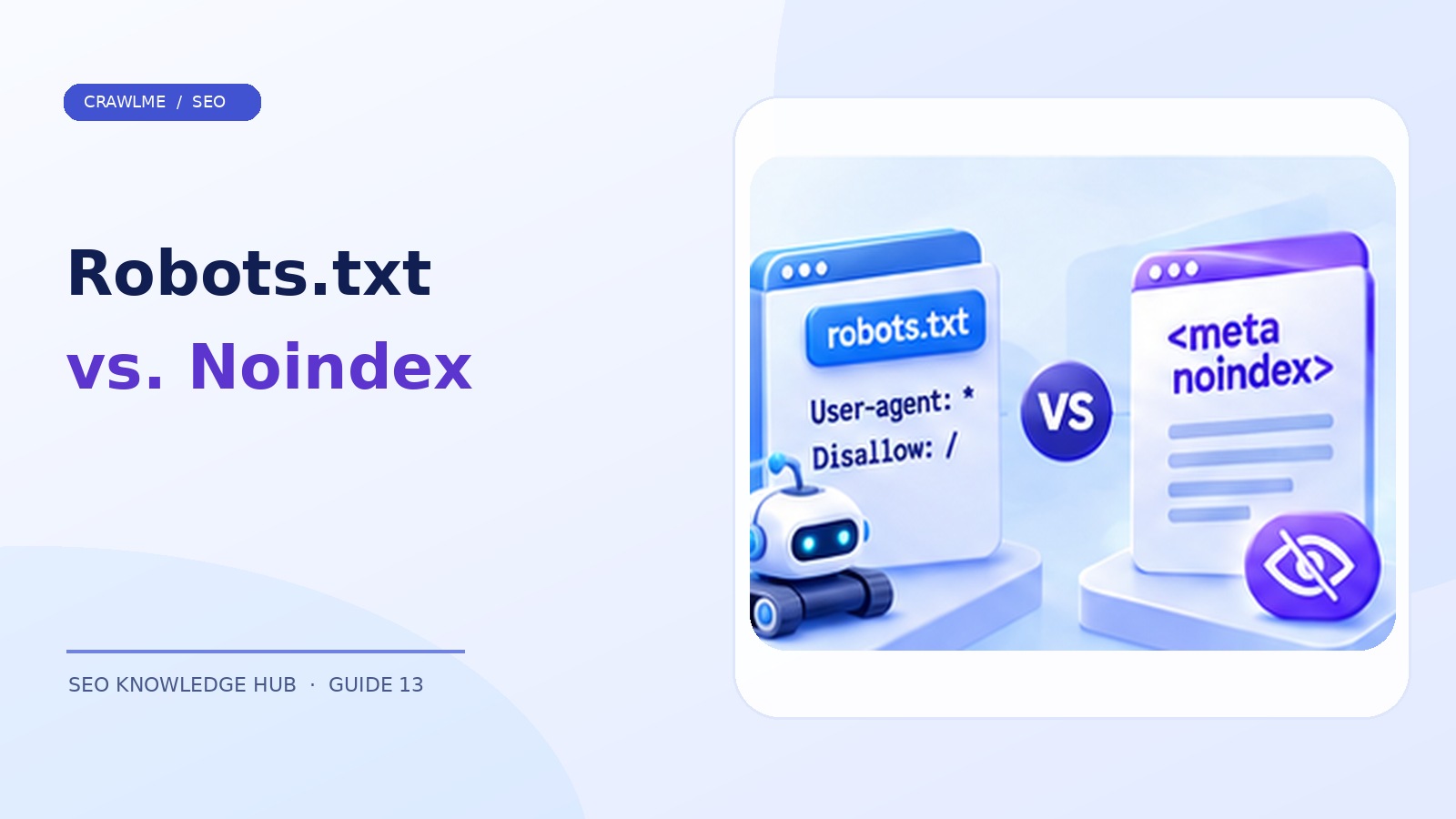
Robots.txt and noindex are frequently mentioned together because both influence how search engines interact with a site. They solve different problems. Robots.txt tells cooperative crawlers which paths they may request. A noindex directive tells supporting search engines not to include a resource in search results after they can retrieve and see that directive.
1. The practical difference#
| Question | robots.txt Disallow |
Meta or header noindex |
|---|---|---|
| Can Googlebot crawl the URL? | Disallow can prevent the request | Usually yes, so Google can read the directive |
| Can a URL still appear without its content? | Potentially, if discovered via other links | Intended to prevent indexing when Google can see it |
| Protects confidential information? | No | No |
| Best for | Reducing unhelpful crawl paths | Keeping public-but-unwanted pages out of Search |
The critical trap: if robots.txt prevents Googlebot from fetching a page, Google may be unable to read its noindex meta tag. Combining a Disallow with a hidden noindex is therefore not a reliable exclusion technique.
2. Read robots.txt as crawler instructions#
A basic file at https://example.com/robots.txt might contain:
User-agent: *
Disallow: /internal-search/
Allow: /
Sitemap: https://example.com/sitemap.xml
The User-agent block selects which crawlers the rule applies to. Disallow blocks access to matching paths for compliant crawlers; Allow can establish permitted exceptions. Remember that robots.txt applies to a specific protocol, hostname, and port. A file on www.example.com does not automatically govern shop.example.com.
Avoid copying another site's robots.txt without understanding its path structure. A careless Disallow: / can effectively block crawling of the entire site for the relevant user agent. A more subtle mistake is blocking CSS or JavaScript files essential for Google to render meaningful content.
3. Implement noindex where appropriate#
For an HTML page:
<meta name="robots" content="noindex,follow">
For a PDF or other document, send an HTTP header:
X-Robots-Tag: noindex
You may also scope rules to a specific crawler, such as googlebot, but broad rules require care. Inspect both the rendered HTML and HTTP response headers: plugins, middleware, reverse proxies, and CDNs can add indexing directives without an editor noticing.
A noindex page needs to be crawlable for the rule to be discovered. Do not rely on noindex for sensitive payroll, client, or administration documents. Require authentication or remove the material from the public web.
4. Choose the right control by page type#
Private dashboards and customer data: Require authentication; do not assume crawler directives secure them.
Internal search pages or infinite filter combinations: Often use crawl-management controls and architecture changes, depending on whether crawlers should access these paths at all.
Public thank-you page that should not appear in Search: noindex can be appropriate if the page remains reachable.
Duplicate tracking URL: Prefer canonicalization or URL normalization if the purpose is to consolidate duplicate content.
Permanently removed article: Return an appropriate 404 or 410, or redirect to a genuinely relevant replacement if one exists.
Temporary staging website: Protect with authentication until launch. Merely setting Disallow: / does not make staging private and can cause launch-day errors if left behind.
5. Troubleshoot a page that unexpectedly vanished#
First inspect the exact URL in Search Console. If it says Excluded by ‘noindex’ tag, examine response headers and the final HTML generated for Googlebot's request. If it says Blocked by robots.txt, check the matching rule and host-specific robots file. Be alert to mismatches between the production and staging configurations.
Use a command such as:
curl -I https://example.com/page/
curl https://example.com/robots.txt
curl -I inspects the response headers but does not reveal a <meta name="robots"> tag in the HTML body. Retrieve the page content or use URL Inspection to check that separately. Browser developer tools can help identify JavaScript-inserted meta directives.
6. Changes need careful rollout#
When removing a noindex, make sure robots.txt permits crawling; otherwise the removal may not be seen. When disallowing a large URL family, make sure the blocked path does not contain important canonical pages or resource files. Sample a selection of old and new URLs, monitor server logs, and compare affected Search Console indexing categories.
For an ecommerce store, a one-line robots.txt change can affect millions of filter URLs. For a SaaS product, an authentication or reverse-proxy rule can unexpectedly change response codes. Make changes with a rollback plan and test the production behavior after deployment.
Example: a staging rule accidentally shipped to production#
A developer tests a new website on a password-protected staging host, but the release includes a generic robots.txt with User-agent: * and Disallow: /. The production pages load normally for customers, so the issue goes unnoticed until Search Console reports crawling blocked. The correct fix is to deploy the intended production robots rules, confirm the current file can be fetched, and test representative pages. Do not assume that resubmitting URLs will help while a crawl block remains.
Prevent a repeat with environment-specific configuration and a deploy-time assertion that checks the production robots file. The test should verify exact hostnames and the rules for the most important content paths.
Example: an unwanted public page#
A support team wants a public thank-you confirmation URL excluded from results. An HTML noindex instruction is a reasonable candidate if the page remains reachable without login. First confirm it is not blocked by robots.txt, then inspect the live response and rendered markup for the directive. Monitor the URL after recrawling. If the page contains private customer information, do not rely on noindex; introduce authentication instead.
Release checklist for directives#
Before shipping a robots change, gather example URLs that should be allowed and example URLs that should be disallowed. Test both sets against the proposed rules, including case-sensitive path differences, hostnames, and resource URLs. Before adding noindex to an entire template, verify that there are no valuable pages using that template. Changes to shared layouts or headers can exclude an entire content family at once.
Where CrawlMe fits#
If URLs are intentionally blocked or marked noindex, submitting them through CrawlMe does not make them eligible for Google indexing. Resolve eligibility and access controls before creating a submission batch.
Decision checklist#
- Is the page meant to be public and indexable?
- Does the chosen control solve crawling, indexing, duplication, or security?
- Are rules consistent across relevant hostnames and environments?
- Can Google fetch the page to discover
noindex? - Have production responses and Search Console outcomes been checked?
Frequently asked questions#
Can robots.txt remove a page from Google?#
Not reliably by itself. A disallowed URL can still be known through links; use the appropriate removal or noindex method.
Can I put noindex in robots.txt?#
Google does not support noindex as a robots.txt directive. Use HTML meta robots or the X-Robots-Tag HTTP header.
Which is best for confidential pages?#
Neither. Use authentication and proper access controls.