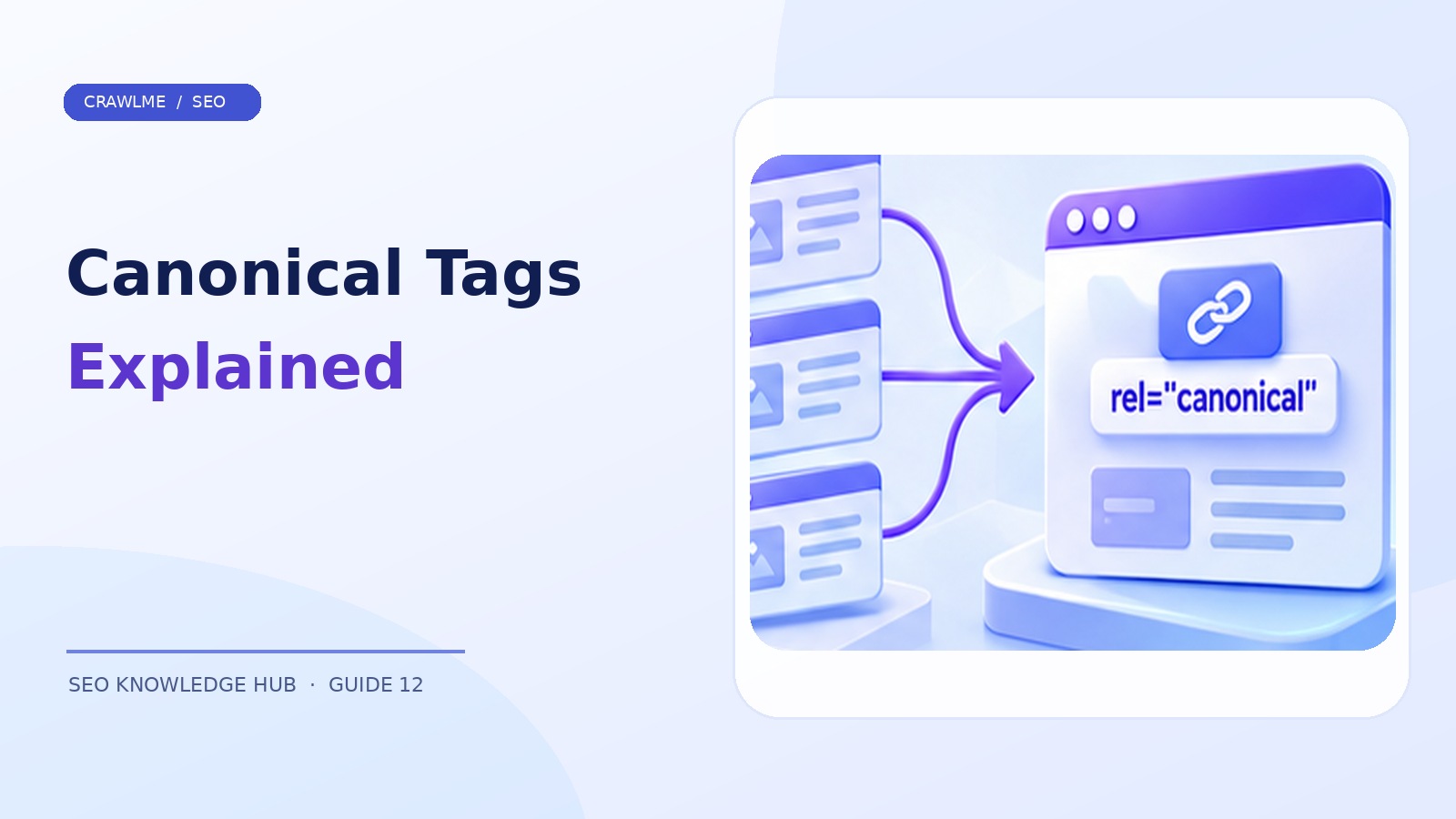
Canonicalization is the process of choosing a representative URL when multiple addresses contain identical or substantially similar content. It matters because ecommerce filters, tracking parameters, trailing slashes, protocol variants, and CMS duplicates can all point to essentially the same page. You generally want one clearly preferred URL rather than dozens of competing variants.
1. Understand canonical hints, not commands#
This HTML element signals your preferred version:
<link rel="canonical" href="https://example.com/shoes/running/">
Place it in the document's <head>, not a page body widget. For a canonical page, a self-referencing canonical can be useful for consistency. Google treats the signal as a preference and may select another page if other signals or the content indicate it is more representative. Redirects and canonical annotations are strong signals; sitemap inclusion is weaker.
A key distinction: a canonical tag is not an instruction to hide a URL and is not the same as noindex. Google may crawl duplicate pages to understand them. If you must prevent a private page from appearing, use appropriate access controls; canonicalization is not a privacy tool.
2. Inventory duplicate URL families#
Gather variants generated by your CMS and marketing stack. Typical examples are:
https://example.com/item/blue-shirt/https://example.com/item/blue-shirt/?utm_source=newsletterhttp://example.com/item/blue-shirt/https://www.example.com/item/blue-shirt/
Next, distinguish duplicates from genuinely different pages. A blue shirt and a red shirt may require separate indexable product URLs when they have distinct availability, imagery, and search intent. A sorting parameter that rearranges identical products usually does not create a useful new landing page.
3. Pick the method for the problem#
Use a permanent redirect when an old URL should no longer be used: for example, an HTTP page that must resolve to HTTPS or a renamed article. Use rel="canonical" when multiple accessible URL variants are needed for users but you prefer a single representative in Search. Use a sitemap to list preferred canonical pages consistently. Do not send conflicting signals, such as a canonical to page A, a redirect to page B, and a sitemap entry for page C.
For PDFs or other supported non-HTML resources, a canonical HTTP response header may be appropriate:
Link: <https://example.com/guides/handbook/>; rel="canonical"
Validate the actual header returned by your server or CDN.
4. Diagnose Google-selected canonical mismatches#
In Search Console's URL Inspection tool, compare User-declared canonical and Google-selected canonical. If Google selected a better page, the correct action may be to accept that choice and improve your internal consistency. If Google's choice is undesirable, check the following in order:
- Are both URLs accessible with the intended status codes?
- Do redirects and canonical tags point to the same preferred URL?
- Is the preferred page substantive and clearly distinguishable where needed?
- Do internal links and sitemaps favor the preferred address?
- Are there unexpected
noindexrules or locale/hreflang mismatches? - Did a compromised plugin or incorrect host configuration inject a foreign canonical?
A canonical conflict is often a symptom of site architecture, not a missing tag.
5. Avoid common implementation mistakes#
Every page points to the homepage. This can cause substantive articles and products to be treated as duplicates of the homepage. Each content family needs a relevant representative.
Paginated pages point to page one. Page two may contain different products or articles. Canonicalize based on the actual content, rather than indiscriminately declaring every paginated URL a duplicate.
A parameter URL is canonical while internal links use the clean URL. Align your preferred version everywhere.
JavaScript changes canonicals unpredictably. If the source HTML declares one canonical and JavaScript replaces it with another, the final signal can be confusing. Prefer stable, server-delivered canonicals where feasible.
A canonical points at a 404, login page, or unrelated destination. Check targets during release testing.
6. Worked example: category filters#
Suppose /laptops/ lists all laptops and /laptops/?sort=price_asc shows the same inventory reordered. Keeping the sorting URL functional for people while setting its canonical to /laptops/ may make sense. But /laptops/gaming/ with unique descriptive copy and a distinct product selection could warrant its own indexable canonical. The decision should follow content and search intent, not simply whether a URL has a query string.
Create a canonical matrix for each template: original page, variants, preferred canonical, redirect policy, sitemap inclusion, and internal-link destination. For large sites, template-level consistency is more reliable than patching URLs one by one.
7. Measure resolution without demanding duplicate indexing#
After changes, validate actual HTML and response headers, inspect sample URLs, and monitor Google's selected canonical over time. Don't assume a newly corrected tag will be processed immediately; Google needs to recrawl and re-evaluate its duplicate clusters. Success may mean the duplicate remains excluded while the preferred canonical is indexed.
Example: fixing a canonical loop across templates#
A content team discovers that category A canonicals point to category B, while category B redirects to category A. Google receives contradictory signals and visitors experience unnecessary navigation. Start by defining which category should survive, based on the actual content and user intent. Remove the redirect loop, ensure the surviving URL returns 200, and use a direct permanent redirect for any decommissioned path. Update canonical tags and sitemaps to agree with that single destination.
Run this test across the actual server response and rendered HTML, not just the CMS settings screen. Caches and deployed template files may disagree with the values shown in an admin panel. Test both desktop and mobile views if separate templates exist.
When two pages should stay separate#
Two pages may share introductory language but serve different search needs. An installation guide and a troubleshooting guide for the same software could both deserve indexing, even if the product name and summary are similar. Don't solve every duplication warning by pointing one to the other. Improve the distinguishing content, navigation, and titles where necessary. For regional content, understand whether the difference is location-specific or merely a tracking parameter. Proper hreflang and canonical signals have different roles and should not be used interchangeably.
A repeatable QA test for new templates#
For every major template, test a base URL, a tracking-parameter variant, a sort/filter variant if relevant, and a decommissioned URL. Record status, redirect chain, HTML canonical, sitemap inclusion, and internal-link destinations. Re-run this after theme, plugin, or routing changes. A template-wide mistake is far more costly than a single incorrect canonical tag.
Where CrawlMe fits#
Before managing submissions for many URLs, remove duplicate variants from the list. CrawlMe can help organize bulk URL submission workflows, but cannot override canonical selection. Sending more duplicate variants is not a substitute for fixing canonical signals.
Canonical audit checklist#
- One intended canonical per content family.
- Redirects, HTML tags, internal links, and sitemap entries agree.
- Canonical targets are public and technically healthy.
- Locale and product variations are evaluated individually.
- Google-selected canonicals are monitored after changes.
Frequently asked questions#
Does canonical guarantee Google will index my preferred page?#
No. It is a strong signal, not a command; Google can choose another representative.
Should every page have a self-referencing canonical?#
It can be useful, but avoid treating it as a substitute for correct URL architecture and substantive content.
Is canonical the same as noindex?#
No. Canonicalization groups duplicate content; noindex asks search engines not to index a crawled resource.