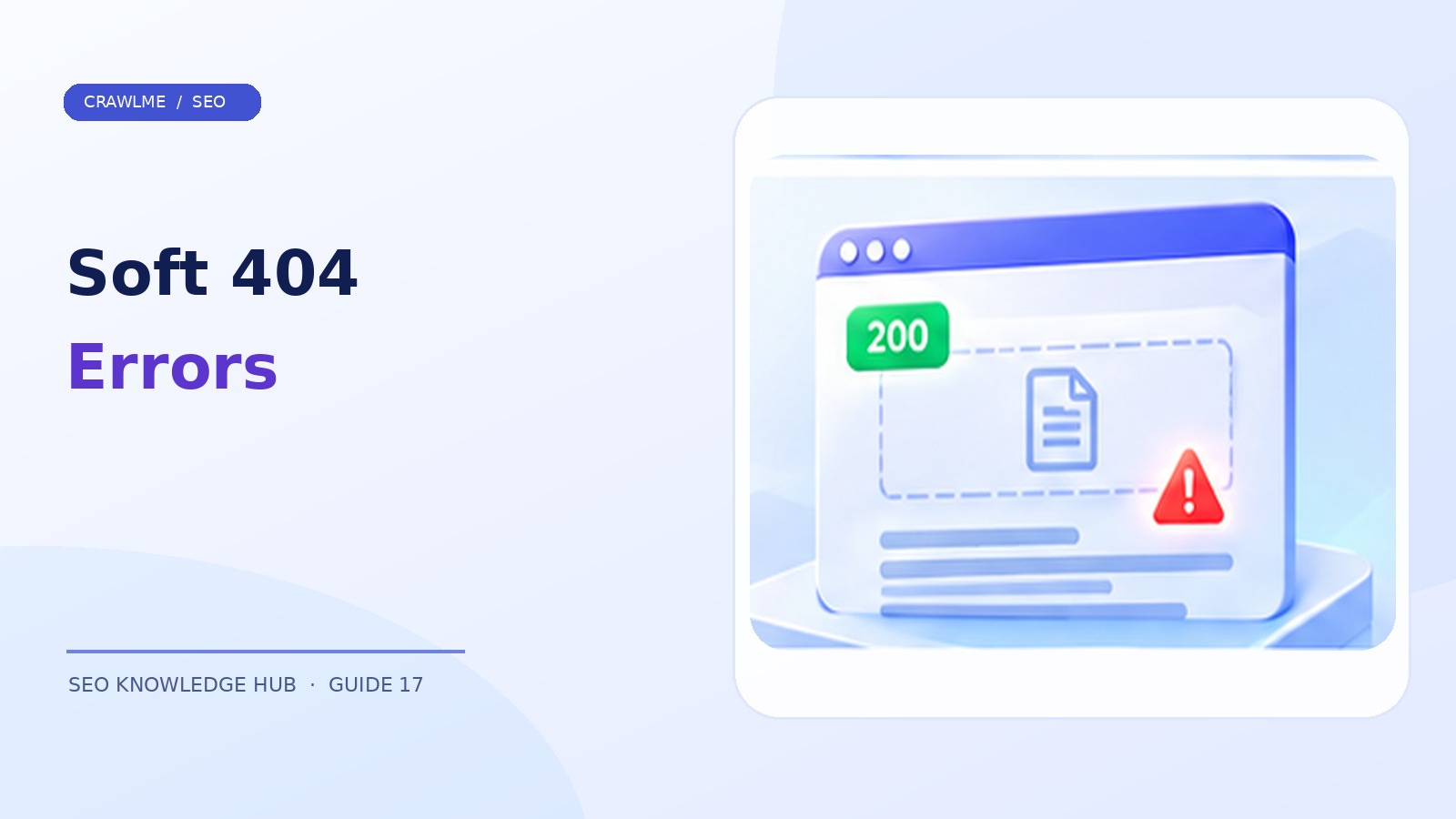
An ordinary 404 means a server says a requested resource was not found. A soft 404 is different: Google believes the content behaves like a missing or error page even though the server may return a success code such as 200 OK, or redirect visitors to a page that isn't a meaningful replacement. It is a useful diagnostic signal because it exposes inconsistencies between what your server says and what the page actually provides.
1. What a soft 404 looks like#
Imagine https://example.com/products/retired-camera/ returns HTTP 200, but its body says “Sorry, this product does not exist” with no actual product details. Google may classify it as a soft 404 because the content communicates that there is no real page despite the successful response. Another pattern redirects every unavailable product to the home page, which is an irrelevant destination for the requested product.
A soft 404 is not always caused by genuinely deleted content. Very thin templates, broken API calls, and empty JavaScript renders can resemble error pages. Investigate the underlying output before selecting a fix.
2. Locate examples in Search Console#
Open the Page indexing report and look for Soft 404 under non-indexed reasons. Export representative examples across URL paths and templates. Then inspect an individual URL with URL Inspection and test the live version. A report can reflect a previous crawl, so compare Google's recorded state with current server behavior.
Group examples by cause: removed articles, out-of-stock products, empty search pages, malformed redirects, client-rendering failures, and broken CMS routes. If 90% of examples share one template, fixing the template is more effective than editing each URL manually.
3. Verify the actual HTTP response#
Run:
curl -I https://example.com/products/retired-camera/
curl -L -I https://example.com/products/retired-camera/
The first command checks the initial response. The second follows redirects. Because HEAD and GET behavior can differ, fetch the response body or inspect network requests when results are surprising. Record the final URL, status, page title, and main visible content.
A successful status plus a page saying “not found” is suspicious. A redirect to an unrelated category or home page can be equally misleading. Google documents that a 200 response does not guarantee indexing and may be classified as a soft 404 when it contains an error or empty page.
4. Choose the correct fix#
The page is permanently gone and has no replacement: Return 404 Not Found or 410 Gone. These are legitimate statuses; not every 404 is an SEO emergency.
The page has moved to an equivalent URL: Use a server-side permanent redirect, usually 301 or 308, to the matching new content.
The page should exist, but content failed to load: Fix the application, database, template, or API so the page returns complete useful content with a proper success response.
A product is temporarily unavailable: An out-of-stock product page can often remain a useful, indexable page if it clearly describes the product, shows availability, and provides relevant alternatives. Do not reflexively erase a valuable URL when inventory hits zero.
An empty internal-search results page: Consider whether it deserves a public indexable URL at all. Apply appropriate crawl/index controls and avoid creating limitless empty pages.
5. Watch for JavaScript-specific failures#
A JavaScript application may return 200 for every route because the web server always serves the same application shell. If the frontend router cannot find a product, it might render a “not found” view while the server still reports 200. The correct fix often requires the framework or edge/server routing layer to return an appropriate HTTP status. Some client-rendered systems need explicit server handling for missing routes.
Also test slow network conditions and Googlebot-visible rendering. A page that permanently displays a skeleton loader when an API fails may be perceived as empty, even if it seems fine in a warm browser session.
6. Avoid two tempting mistakes#
First, do not redirect all removed URLs to the homepage. This confuses visitors and may lead to soft 404 classification. Second, do not add filler text to an otherwise nonexistent page simply to preserve a 200 response. The goal is to accurately represent whether meaningful content is available.
Soft 404 errors often surface legitimate cleanup opportunities: remove broken links, stop generating empty URLs, update navigation, and keep sitemaps limited to real canonical pages.
7. Validate and monitor after changes#
After a template fix, sample affected URLs again and verify status codes, rendered content, canonical targets, and sitemap entries. Use Search Console validation where available, recognizing that Google must recrawl the affected URLs and updates may take time. A decreasing count is not by itself enough: make sure the important pages are becoming indexable, while truly removed pages return the correct statuses.
For large catalogues, establish release checks that fail when a product route returns 200 with an empty product container. This prevents application defects from becoming large indexing incidents.
Example: a product route returning a false success#
An ecommerce API responds that a deleted product does not exist, but the website's catch-all router returns the HTML application shell with status 200. The browser then shows “Product not found.” Google sees a successful response containing a missing-product message and may classify it as soft 404. The correct fix is to return 404 or 410 from the route where appropriate, not to hide the message or add unrelated words to the page.
If the product has a genuinely equivalent successor, a relevant permanent redirect can instead help visitors reach the replacement. Use a deliberate decision based on what the user requested, not merely whether another product is available.
Distinguish errors from weak pages#
Not every short page is necessarily a soft 404. An event cancellation notice, a concise product specification, or a useful directory entry may be legitimate content. Diagnose what Google's report says alongside the actual page, rather than treating word count as a universal technical test. Conversely, a very long page can still behave like an error if it consists of generic fallback text and never delivers the requested resource.
Prevent recurrence in automated content systems#
Add tests for unpublished routes, deleted product IDs, broken upstream APIs, expired categories, and malformed parameters. Test both the server response and the visible rendered page. Track sudden changes in the number of 200-status URLs with empty primary content. When a bulk import or deployment causes many identical soft 404s, fix the shared code path first and validate sample URLs before requesting reprocessing.
Where CrawlMe fits#
Only submit valid, publicly available URLs in bulk. CrawlMe can assist with URL submission management once affected pages have been fixed; sending a soft 404 URL repeatedly does not create useful content or correct its response status.
Soft 404 troubleshooting checklist#
- Initial and final HTTP statuses are documented.
- The rendered page offers meaningful expected content.
- Deleted pages return suitable 404/410 responses.
- Moved pages redirect to relevant replacements.
- Broken JavaScript/API states are corrected.
- Sitemap and internal links no longer target removed URLs.
Frequently asked questions#
Is a normal 404 always bad for SEO?#
No. Returning 404 for a page that truly no longer exists is appropriate.
Can a 200 page be a soft 404?#
Yes. Google can interpret an empty, missing-content, or error-like page as a soft 404.
Should I redirect all missing pages?#
Only if there is a relevant replacement. Otherwise return a proper 404 or 410.