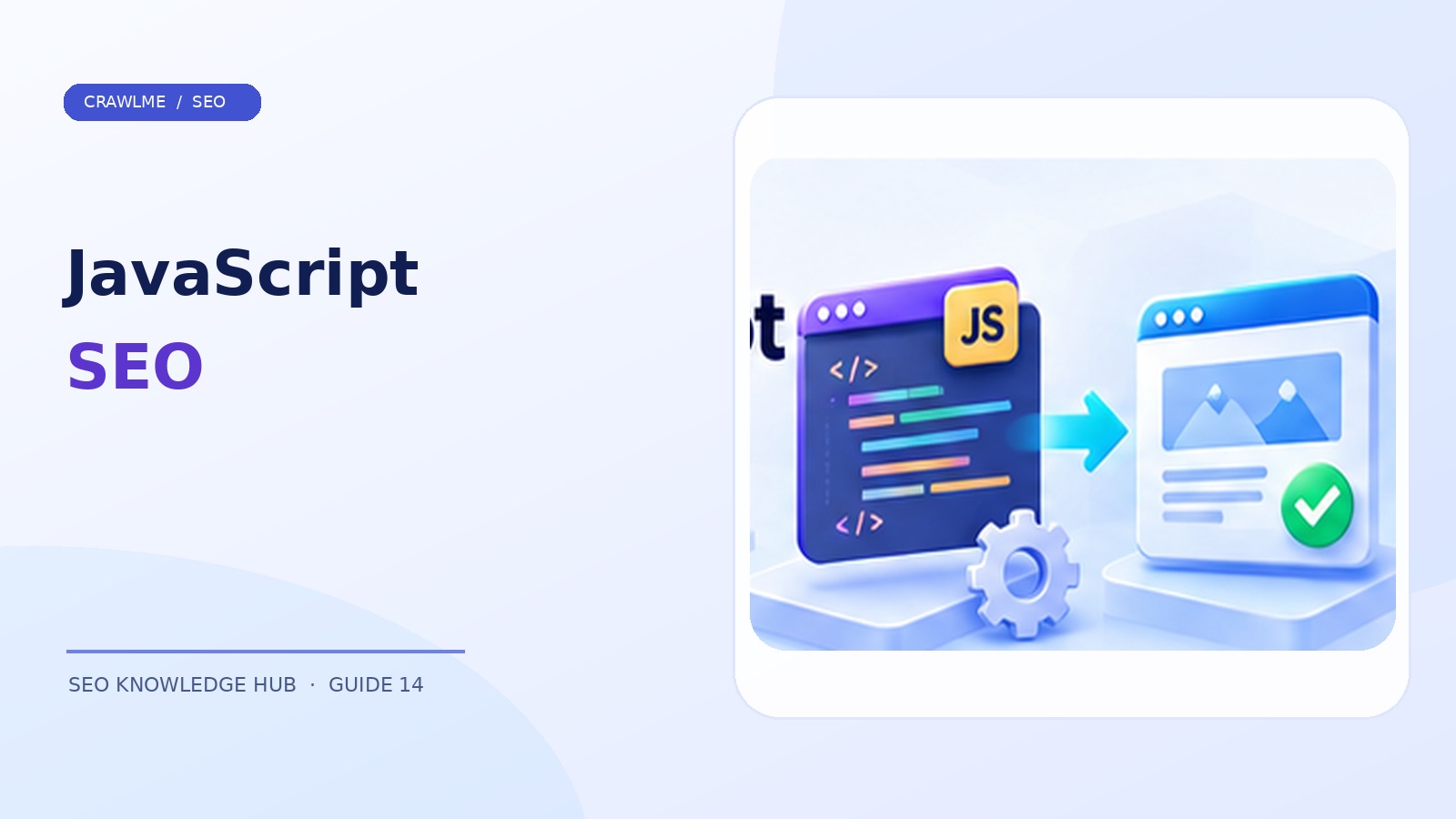
Google can render JavaScript, but a page that looks perfect in your browser can still have serious search-discovery problems. Common causes include content delayed behind interactions, links implemented as click handlers, blocked script resources, and inconsistent metadata. The solution is not to abandon JavaScript. It is to make the important content, URL structure, and page signals reliably accessible.
1. Understand the crawling, rendering, indexing sequence#
Google initially retrieves a URL and examines the response. JavaScript-rendered pages may then enter a rendering queue where Google executes supported scripts and processes the rendered HTML. Rendering is an additional step and may occur later than the initial crawl. Not every crawler or tool executes JavaScript, and application errors can leave the rendered DOM incomplete.
Contrast two implementations. A traditional server-rendered article returns its headings and paragraphs directly in the HTML response. A client-rendered app might initially return an empty root element and a script bundle; the content appears only after the browser executes the bundle and fetches API data. Google can process many such pages, but the second approach introduces more potential failure points.
2. Inspect raw HTML and rendered HTML separately#
Open View Source and look for the page's title, body content, canonical, and useful navigation links. Then inspect the rendered DOM in developer tools. If content exists only after JavaScript, investigate whether it is present in Google's rendered HTML using Search Console's URL Inspection and live test.
Do not mistake the live test for a guarantee of indexing: it tests what Google can fetch now, while the indexed version and rendered results may reflect a previous processing cycle.
A useful debugging matrix:
| Test | Expected | Common failure |
|---|---|---|
| Raw request | Useful HTML or functional app shell | 500 error, empty response |
| Script loading | Required assets fetch correctly | Blocked CDN, expired hash filename |
| Rendered DOM | Main content and links appear | API timeout, hydration mismatch |
| Metadata | Correct canonical and robots directives | Tags changed to unrelated URL |
| Mobile render | Primary content and navigation visible | Mobile-only missing links |
3. Make navigation links crawlable#
Google's documentation recommends real <a> elements with a resolvable href for discoverable links:
<a href="/guides/canonical-tags/">Canonical tag guide</a>
Avoid using a <div onclick="goToArticle()"> as the only route to an important article. A button or click handler may work for a person, but it does not consistently communicate a navigable URL to crawlers. Client-side routers can intercept an ordinary anchor click without removing the href.
Check that infinite-scroll feeds expose stable URLs or paginated paths for deeper content. A page that requires a user to scroll repeatedly or click an inaccessible control can leave valuable articles undiscovered.
4. Choose a rendering strategy deliberately#
Server-side rendering (SSR) returns content from the server for each request. It can reduce dependencies on client execution, but requires server capacity and cache planning.
Static site generation (SSG) emits prebuilt HTML for pages that do not require a fresh server render on every visit. Good for documentation and content websites; update workflows must rebuild changed content reliably.
Client-side rendering (CSR) shifts more work into the browser. It may be appropriate for authenticated dashboards and interactive areas, but public SEO landing pages should be tested rigorously.
Hybrid rendering uses static or server-rendered HTML for public discovery pages and client-side interaction where it improves UX. Choose based on user requirements and infrastructure, not the idea that a framework alone determines search visibility.
5. Treat metadata as production data#
The canonical URL, title, meta description, robots directives, and structured data should match the intended content. Avoid publishing noindex in source HTML and trying to remove it asynchronously. Avoid conflicting canonical tags in the server response and rendered DOM. Test route transitions because single-page applications can accidentally carry the previous article's metadata into the next view.
For structured data, render JSON-LD accurately and verify the actual page with Google's relevant testing tools. Markup must reflect visible content; merely adding structured data does not make a page eligible for indexing or rich results.
6. Fix loading failures and race conditions#
Check network waterfalls on a cold load and a throttled mobile connection. Can your app show main content if a third-party analytics service fails? Does a stale cached JavaScript bundle point to a deleted API endpoint? Is critical text injected only after accepting a cookie dialog?
Use versioned or fingerprinted asset filenames where appropriate, since Google may cache resources aggressively. Avoid serving a 200 response that renders an error message or empty product page. Correct HTTP status codes and stable user-visible fallback states help both users and search crawlers.
7. Example: a product listing that disappears to crawlers#
Imagine /products/monitor/ returns a basic app shell. The product API is blocked behind a geographic check, so the rendered DOM contains only a loading spinner for Googlebot. Users in your country see product specifications, but Google's render may not. Fix the API access rules, make the product title and description available in the initial HTML when practical, and ensure the page returns an appropriate status if the product truly does not exist.
Retest the production URL using live inspection, verify rendered content, and monitor indexing status after recrawling. Submitting the same URL repeatedly does not fix invisible content.
Example: client-side navigation with invisible deep links#
A learning platform shows twelve articles on its first category page and loads another twelve when someone clicks a button. The application updates the visible cards but never changes the URL, and the additional titles are not linked from ordinary HTML anchors. Users can access the articles, but crawlers have no stable path through the rest of the archive. The repair is to offer crawlable paginated routes and article anchors, while optionally retaining the smooth button interaction for human visitors.
Test the fix from a cold, anonymous session. Verify that page two contains links in the rendered DOM, that an individual article can be opened directly, and that refreshing its URL does not return a broken application shell.
Example: a wrong canonical after route transitions#
In a single-page application, a visitor opens /guides/sitemaps/ and then navigates to /guides/canonicals/. The content updates, but the head metadata still points canonically to the sitemap guide. If this behavior is reproduced for crawlers, Google receives mixed signals. The correction is to update per-route metadata consistently, preferably using the framework's documented head-management mechanism, and to test direct entry as well as client-side transitions.
Production QA for JavaScript SEO#
Keep a small route list containing a homepage, category, deep article, product page, missing route, and paginated listing. For each route, inspect response status, rendered title and body, canonical, robots instructions, and discoverable anchors. Run the test after major frontend deployments and API changes. Screenshots alone cannot verify metadata and status codes; combine rendered inspection with network-level checks.
Where CrawlMe fits#
CrawlMe can help manage submission batches after important URLs are technically accessible, but it cannot execute broken JavaScript on behalf of Google or guarantee indexing. Fix rendering and navigation before scaling submissions.
JavaScript SEO release checklist#
- Important pages return sensible HTTP statuses.
- Main content appears in Google's rendered HTML.
- Public links use real, crawlable anchors.
- Canonicals and robots directives do not conflict.
- Mobile navigation exposes important URLs.
- Production deploys preserve required script and API assets.
Frequently asked questions#
Can Google index client-side rendered websites?#
Yes, Google can render JavaScript, but failures and delayed processing can affect discovery and indexing.
Is server-side rendering mandatory for SEO?#
No. It is one helpful architecture choice; consistent, accessible rendered content matters more than framework labels.
Why does a page work locally but fail in Google?#
Look for authentication, blocked assets, environment differences, API failures, and rendering-dependent content.