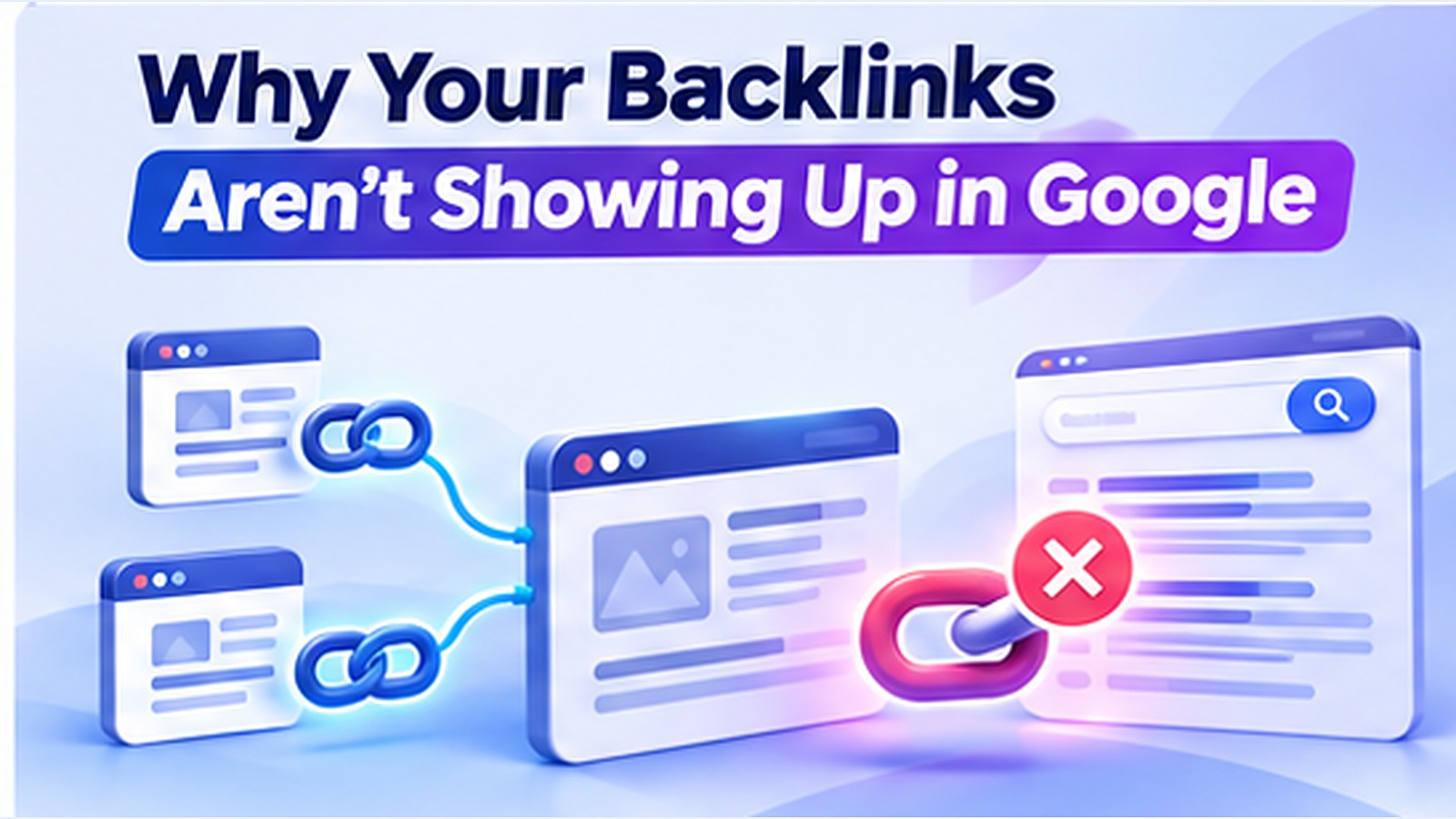
A backlink can exist on a live webpage and still be absent from a backlink report. That does not automatically mean it is broken, ignored, or worthless. To diagnose the situation accurately, first identify what is missing: the link in the page's HTML, the source page from Google's index, the link in Google's reporting tools, or evidence that the link influences rankings.
Those are different questions, and mixing them together often leads to unnecessary spending and misleading conclusions.
Four separate states that are often confused#
- Published: The link appears on a source webpage and points to your target URL.
- Crawlable: Search engines can retrieve the source page and encounter the link.
- Source-page indexed: Google has selected the source page for inclusion in its search index.
- Reported or evaluated: A backlink tool lists the link, or Google's systems may evaluate it as part of broader ranking signals.
None of these automatically proves the next. A third-party crawler may discover a link Google has not yet shown in Search Console. Google can know about links that are absent from its sample reports. A source page's indexing status does not tell you exactly how much ranking value Google assigns to a link.
Cause 1: The linking page is too new#
A guest article published yesterday may not yet have been crawled. Google does not operate on a fixed timetable for every URL. Check its publication date and whether it is linked from the publisher's existing navigation, archive, category pages, or sitemap. Time alone is not a technical defect.
Action: Verify that the source article is public, linked internally, and included in the publisher's own discovery system. Do not immediately order repeated submissions.
Cause 2: The source URL is not indexed#
If the publisher owns the page, the most reliable diagnostic tool is their Search Console URL Inspection report. A site: query or quoted URL search can offer a rough visibility clue but is not definitive evidence. A page can be omitted from a particular search result for reasons unrelated to its underlying indexed state.
Action: Ask the publisher to check the exact URL. If the page is excluded, address that page's indexing problem—technical access, duplicate canonicalization, weak content, or lack of internal links—before treating the backlink itself as the issue.
Cause 3: The page has an indexing directive or access problem#
The publisher might unintentionally apply noindex, block crawlers, require cookies, return a server error, or present anti-bot challenges. A browser screenshot does not validate crawler access.
Action: Check HTTP status, robots directives, canonical tags, and a live fetch where the site owner can authorize one. If the source page is on somebody else's site, you generally cannot repair its configuration yourself.
Cause 4: Google selected a different canonical URL#
Suppose https://publisher.example/story?ref=partner contains the link, but Google's selected canonical is https://publisher.example/story. If the canonical page differs materially or omits the link, your expectations may need to change.
Action: Compare the source version you bought or earned with the canonical page and ask the publisher to keep important content and links on the canonical version.
Cause 5: The link is rendered in a way crawlers may not encounter#
A conventional link is usually the simplest pattern:
<a href="https://your-site.example/research/">Original research</a>
Links inserted only after a visitor clicks a button, embedded in inaccessible widgets, or loaded behind authentication are less reliable for crawler discovery. Inspect the rendered DOM and compare it with Google's rendered output when the publisher can access URL Inspection.
Cause 6: The link was changed, removed, or redirected#
A publisher may replace the anchor, change the destination, add tracking parameters, or remove the article. Check the actual href, then follow any redirects and verify they lead to the intended landing page. Be cautious about paid placements that get swapped out without notice.
A link checker should record source URL, destination URL, anchor text, observed attributes, fetch date, and redirect outcome. That evidence is more useful than a screenshot alone.
Cause 7: Link attributes change how the link is treated#
The rel="nofollow", rel="sponsored", and rel="ugc" values describe the relationship between the publisher and the linked page. They are relevant to link analysis and spam-policy compliance; they do not, by themselves, demonstrate that the source page is unindexed. Google's handling of these attributes should not be simplified into “this backlink counts” or “this backlink does not count.”
If you paid for a placement, publishers should use appropriate qualification and follow search spam policies. Avoid pressuring a publisher to remove a required sponsored attribute in exchange for a supposed SEO benefit.
Cause 8: Search Console is not a complete backlink database#
Google's Search Console Links report explicitly presents a sample of links. It groups some data by canonical URL and consolidates duplicates; table and export limits also apply. A missing row is not evidence that Google has never seen the backlink.
Third-party backlink databases differ in crawl coverage, freshness, normalization, and retention. It is normal for two reputable tools to disagree about the number of links.
Cause 9: The link appears in content Google may not value#
Large volumes of template footer links, near-duplicate posts, or pages created primarily to place links can be low value or violate spam rules depending on context. Trying to index such pages en masse does not transform weak links into strong editorial endorsements.
Focus on placements that make sense for readers. Would somebody discover the link naturally, click it, and find a relevant resource? That is a more durable starting point than pursuing a raw count.
A repeatable backlink investigation workflow#
Step 1 — Validate publication. Open the source URL, inspect the hyperlink destination, and record a timestamp.
Step 2 — Verify accessibility. Check the source response, crawler restrictions, canonical signals, and whether it is available without login.
Step 3 — Check source indexing with the owner. Ask for a URL Inspection result, not an unsupported assurance that an indexing service “guaranteed” the page.
Step 4 — Compare reporting tools. Review Search Console's sampled Links report and any independent crawler. Record a separate reported column rather than treating absence as proof of failure.
Step 5 — Fix what you can control. Improve your target landing page, keep accurate link records, and ask the publisher to fix source-page issues they control.
Step 6 — Recheck at sensible intervals. Revisit after meaningful changes, not every hour. Note whether the link is still present and whether the source URL's status changed.
Example audit record#
| Field | Example observation | Interpretation |
|---|---|---|
| Source URL | /industry/analysis/ |
Published article |
| Link present | Yes, in article body | Publication confirmed |
| Target | Your research URL | Destination correct |
| Source indexed | Unknown | Requires reliable verification |
| In Search Console Links | Not shown | Inconclusive; sample report |
| Follow-up | Ask publisher to inspect source | Actionable next step |
Can an indexing service help?#
Tools such as CrawlMe can help teams organize and submit batches of public URLs in a repeatable workflow. They do not control a publisher's canonical tags, override Google's selection process, or certify backlink ranking value. Source-page quality and access checks must come first.
For campaigns with many placements, a central submission history can reduce operational confusion. Keep your link-verified, submission-processed, and Google-indexed statuses separate.
Common questions#
If a backlink isn't in Search Console, does it count?#
You cannot infer that from the report alone. The report is a sample, not a full accounting of every discovered link or its ranking impact.
Do all backlinks need indexed source pages?#
Source-page indexing is useful context when evaluating discoverability, but it is not a standalone proof of link evaluation. Avoid treating it as a universal binary ranking rule.
Can I index backlinks on sites I do not own?#
You cannot use Search Console URL Inspection to request indexing of arbitrary third-party URLs. You can ask the publisher to improve discovery and investigate their page; external submission services have different workflows and cannot promise Google inclusion.
Should I buy more links if reports look sparse?#
No. First confirm the links exist, evaluate their editorial quality, and understand reporting limitations. More links are not necessarily better links.
Bottom line: Verify the link, the source page, and the reporting source independently. Fix genuine defects and avoid equating a missing report row with a lost backlink.