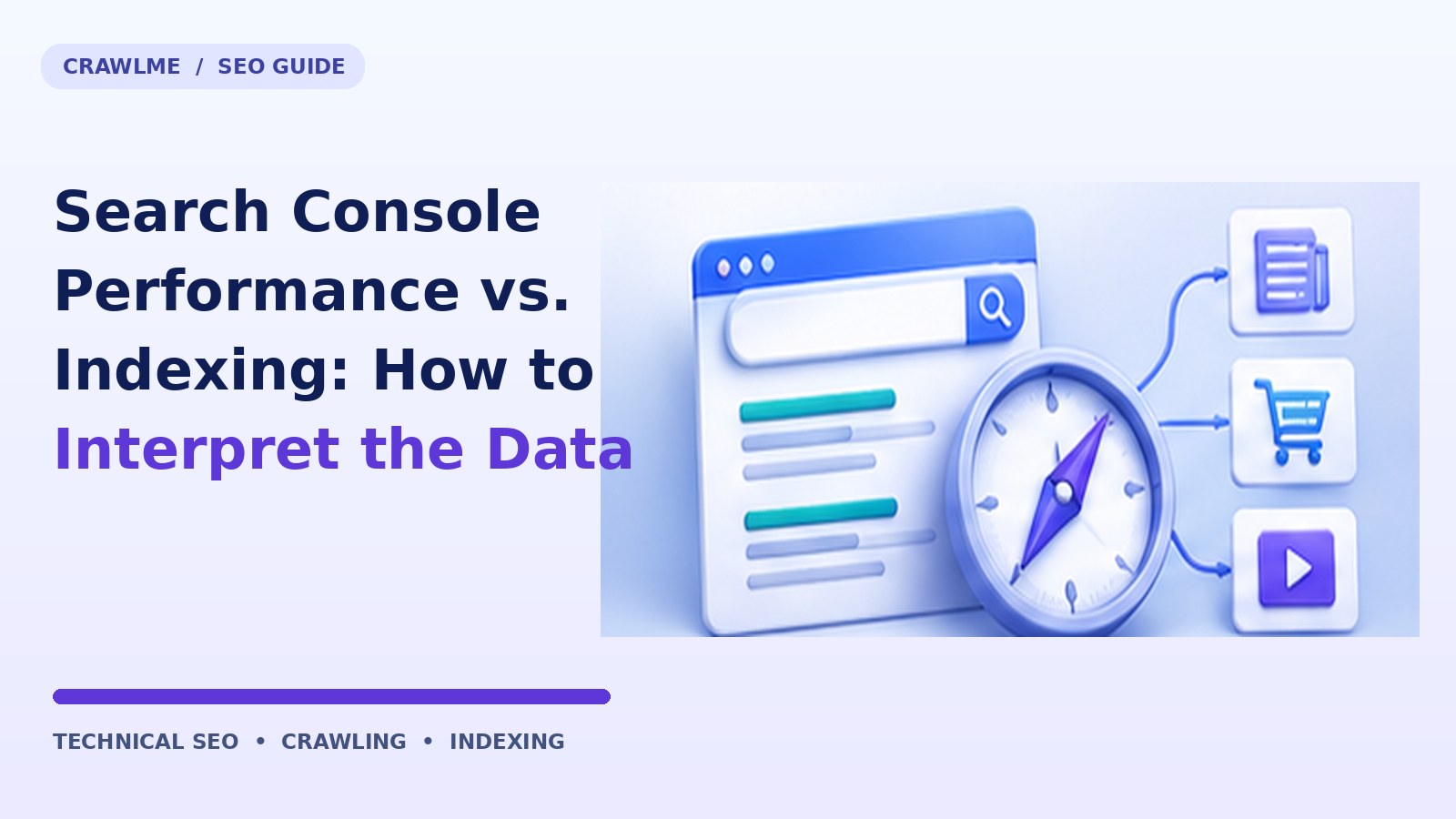
A URL may be indexed but receive no clicks; another may attract traffic while its indexing report appears delayed. These are different questions, and confusing them leads teams to fix pages that are working or celebrate pages that remain undiscoverable.
This guide is designed as an operational reference. It separates what can be observed, what can be fixed on your website, and what Google ultimately decides independently. Examples use example.com and are illustrative, not claims about CrawlMe customers or experimental results.
Understand the underlying SEO problem#
The Page indexing report describes Google’s indexing classification of known URLs. The Performance report summarizes observed search impressions and clicks for selected properties, dates, search types, and filters. Neither report is a complete real-time crawler inventory. URL Inspection provides a closer look at a particular URL but its live test and indexed-state data also answer different questions.
The distinction matters because an apparent indexing failure can begin at several different layers: the page may be unavailable, a crawler may be unable to discover it, a canonical may point elsewhere, or Google may simply choose not to show the page for a query. Begin with evidence from the layer involved. Changing a title, adding a sitemap or submitting the same URL again cannot repair an unrelated server or policy error.
Before changing anything: establish a reliable baseline#
Choose a small set of business-critical canonical pages; inspect each in URL Inspection; export performance data with the same property and search type; check date range, anonymized queries, canonical selection, and page filters. Compare pages, not aggregate totals. Identify pages with impressions but low clicks, indexed pages with no meaningful impressions, and intended pages excluded from indexing.
Record the original response and page content before edits. Save the URL, intended canonical, date, device or crawler profile, and observation source. If you cannot reproduce a problem under the same conditions, you cannot reliably claim the next change fixed it. Prioritize high-value canonical URLs rather than trying to repair every incidental variation immediately.
A concrete diagnostic check#
Query: pages with impressions but low CTR; Decision: improve relevance and snippets. This is a starting test, not a final verdict. Run it on several representative URLs, including one known healthy page, one affected page and one edge case. Compare the results. Where a test uses a command or URL pattern, substitute your own domain and check both returned headers and rendered content as appropriate.
A practical triage worksheet should include:
| Field | What to record |
|---|---|
| Intended URL | The public URL that should serve the content |
| Observed result | HTTP status, rendered behavior or report status |
| Expected result | The exact behavior the owner wants |
| Suspected layer | Server, crawler access, URL structure, content or search reporting |
| Evidence | Request trace, screenshot, export or log sample with date |
| Owner and follow-up | Person responsible, change deployed, retest date |
Fix the cause, not the symptom#
For an excluded page, fix the specific reason before discussing CTR. For an indexed page with impressions but few clicks, examine title clarity, query intent, snippets and competitiveness. For indexed pages with no impressions, verify demand and whether the page is genuinely distinct. Use a separate discovery queue for new pages so the reporting work is not confused with submission work.
Apply the smallest coherent change that resolves the observed defect. Check both a successful control URL and the affected URL after deployment; fixing one page template can accidentally alter others. If the solution changes URLs, redirects, canonical annotations or crawl permissions, update linked infrastructure and internal navigation in the same rollout.
A good release has three parts: a documented problem statement, a change that maps directly to that problem, and a verification step with a rollback option. In an agency, attach this evidence to the client ticket; in a product team, attach it to the deployment record. This keeps future investigations from repeating an already disproven hypothesis.
Worked example: what the right decision looks like#
A new service guide has “URL is on Google” in URL Inspection but no impressions over seven days. The correct action is not a daily resubmission; it is to inspect the search intent and performance interval, and to allow time for data. A separate canonical-conflicted URL needs a technical fix, not rewritten title tags.
Notice the decision sequence: first establish what the server or page actually does, then decide whether the URL belongs in the index, and only then make a change. The same symptom can occur for unrelated reasons across different sites, so copying a competitor's settings without understanding the cause is unreliable.
Common mistake to avoid#
Do not calculate “indexation rate” using impressions or count a page as unindexed simply because it has zero clicks. Performance filters can change totals and Search Console reporting is not a raw, exhaustive event log.
Additional failure mode: Zero-click does not mean excluded; UI reporting delay is not a crawl failure. If your proposed fix does not address that failure mode, pause and gather better evidence. For large sites, test against a sample of URLs from every affected template; a fix that works on a blog post may not work on product variants, paginated archives or translated pages.
How to verify the change worked#
Track the count of priority canonical URLs confirmed indexed, the number with first impressions, and impressions/clicks by cluster over comparable 28-day windows. Record the observation date and property for reproducibility.
Use a two-stage validation process. Immediately after the deployment, test the actual server response, links, page markup and rendered output: these are within your control. Over subsequent Google crawling and reporting cycles, review Search Console and search visibility trends: those are external observations and may lag behind the technical fix. Avoid declaring success just because a request was submitted, a sitemap fetched, or an indexing queue completed.
Build a small before-and-after table with dates and metrics. If you changed multiple systems at once, annotate the deployment timeline so that changes in search traffic are not incorrectly attributed to a single setting. Use comparable date ranges and account for seasonality and fresh-content publication when evaluating outcomes.
A five-point handoff checklist#
- Document the exact affected URL group. Record why it matters to users and which canonical pages should be visible.
- Capture a reproducible technical observation. Save the relevant response, report, rendered HTML, or verified log entry.
- Make a targeted correction. Change the URL, template, server rule or editorial issue supported by the evidence.
- Retest live delivery. Confirm the page and any related assets are accessible, coherent and linked correctly.
- Review search outcomes separately. Revisit Google’s index or performance observations later without assuming a guaranteed timeline.
When CrawlMe fits the workflow#
After technical problems are resolved, SEO teams often need a repeatable way to organize large sets of publicly accessible URLs and manage submission batches. CrawlMe provides a credit-based URL submission workflow and API capabilities for that operational stage. It does not replace Google Search Console, sitemap hygiene, crawlable internal links, proper canonical signals or technical repair. A successful submission or processing status must never be described as confirmed inclusion in Google's index.
For this topic, the sensible order is: Measure a consistent 28-day period, use URL Inspection for the canonical, and keep raw exports. Only then decide whether bulk URL submission management is useful.
Frequently asked questions#
Will submitting the URL again guarantee Google indexing?#
No. Submission and processing are not Google's indexing decision. Fix the underlying access, discovery or content problem, and use relevant Google reports to evaluate outcomes.
How quickly should I expect a change in Search Console?#
There is no universal clock. Server and page-level changes can be tested immediately, whereas Google crawling, indexing and report updates happen on their own schedules. Monitor the affected pages over time instead of repeatedly forcing the same request.
Should I apply the same fix to every URL?#
Only when the same cause is confirmed. Template-wide changes are efficient if the defect is shared; sitewide changes based on one example can produce unintended canonical, redirect or crawling problems.
What should I prioritize if resources are limited?#
Start with pages that are intended to be indexed and important to users or business operations. Next address reproducible access and technical defects affecting whole groups. Low-value URL permutations usually require a different strategy from valuable canonical landing pages.
Further reading and primary documentation#
- Google Search Central documentation
- Google Search Central documentation
- Google Search Central documentation